

Updated October 15, 2026: We have updated the timeline. Thank you for your patience.
[Introduction:]
We’re introducing a simpler way to view conversations in Viva Engage communities, organized by recent posts rather than recent activity. This new view is designed to make it easier for users to follow discussions and will be available as an option, alongside the current system, for those who prefer sorting by recent activity and filtering to new conversations only.
This message is associated with Microsoft 365 Roadmap ID 513275.
[When this will happen:]
General Availability (Worldwide): We will begin rolling out in October 2026 and expect to complete by the end of October 2026.
[How this will affect your organization:]
This change should align better with how people expect to browse and engage with content in their communities, while still preserving the triage flow for those who prefer it.
Who is affected: All Viva Engage users in your organization.
Current experience:
- Communities default to “new” and “recent activity” if there’s any new content (posts or replies).
- If there’s no new content, the feed falls back to “all.”
- Unread indicators on content only exist in the “new” feed.
New experience:
- The feature will be ON by default.
- Communities will default to “all” and “recent posts”:
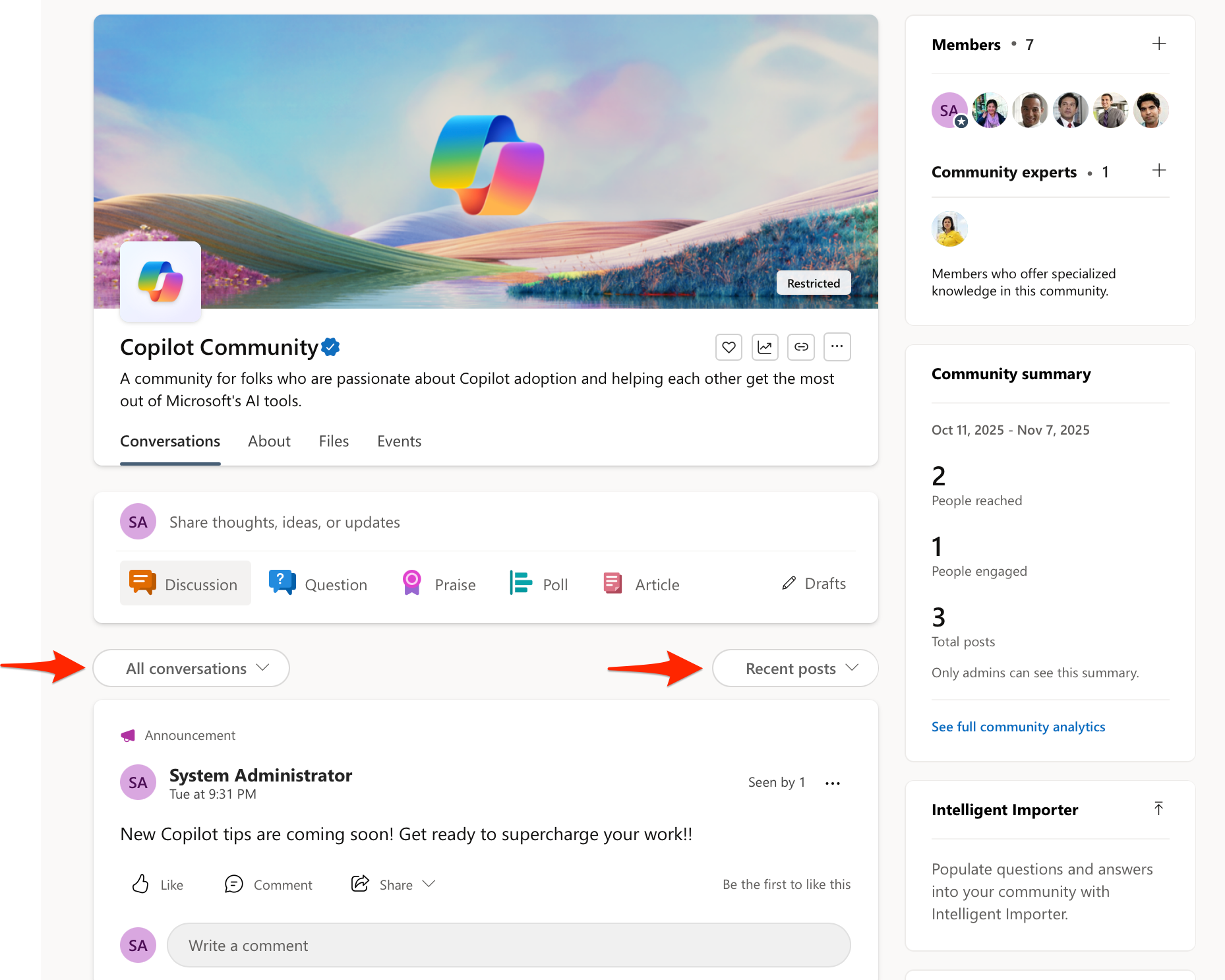
- Unread indicators will exist in both the “new” and “all” feeds.
- A sticky user preference will be introduced:
- If someone changes the feed (new/all) or sort order (recent posts/recent activity), we will maintain that setting across their communities.
- If someone picks “new” and there’s no new content in the next community, we will fall back to “all” for that community visit, but “new” will remain the preference for that user.
[What you can do to prepare:]
No action is required.
[Compliance considerations:]
No compliance considerations identified, review as appropriate