

Updated September 21, 2026: We have updated the timeline. Thank you for your patience.
[What and Why:]
Microsoft is retiring the Surveys agent and transitioning customers to a unified, Copilot-powered experience within Microsoft Forms. This change streamlines form creation, data collection, and analysis into a single, integrated experience—improving productivity and providing more advanced AI-driven capabilities without requiring additional licensing. Users can continue their workflows seamlessly while benefiting from enhanced Copilot features built directly into Forms.
[Rollout Schedule:]
- Retirement completion: Surveys agent is no longer available for new users as of August 31, 2026 (removed from Agent Store)
Existing users who have already acquired Surveys Agent are expected to lose access by end of December 2026
[Impact on Your Organization:]
Who is affected: All users who currently use the Surveys agent in Microsoft 365 Copilot
Platforms/Services:
- Microsoft 365 Copilot
- Microsoft Forms (Web)
What will happen:
- The Surveys agent will be retired and removed from the Agent Store.
- Users will be redirected to Microsoft Forms when accessing Surveys agent.
Screenshot - Survey Agent home screen for existing users
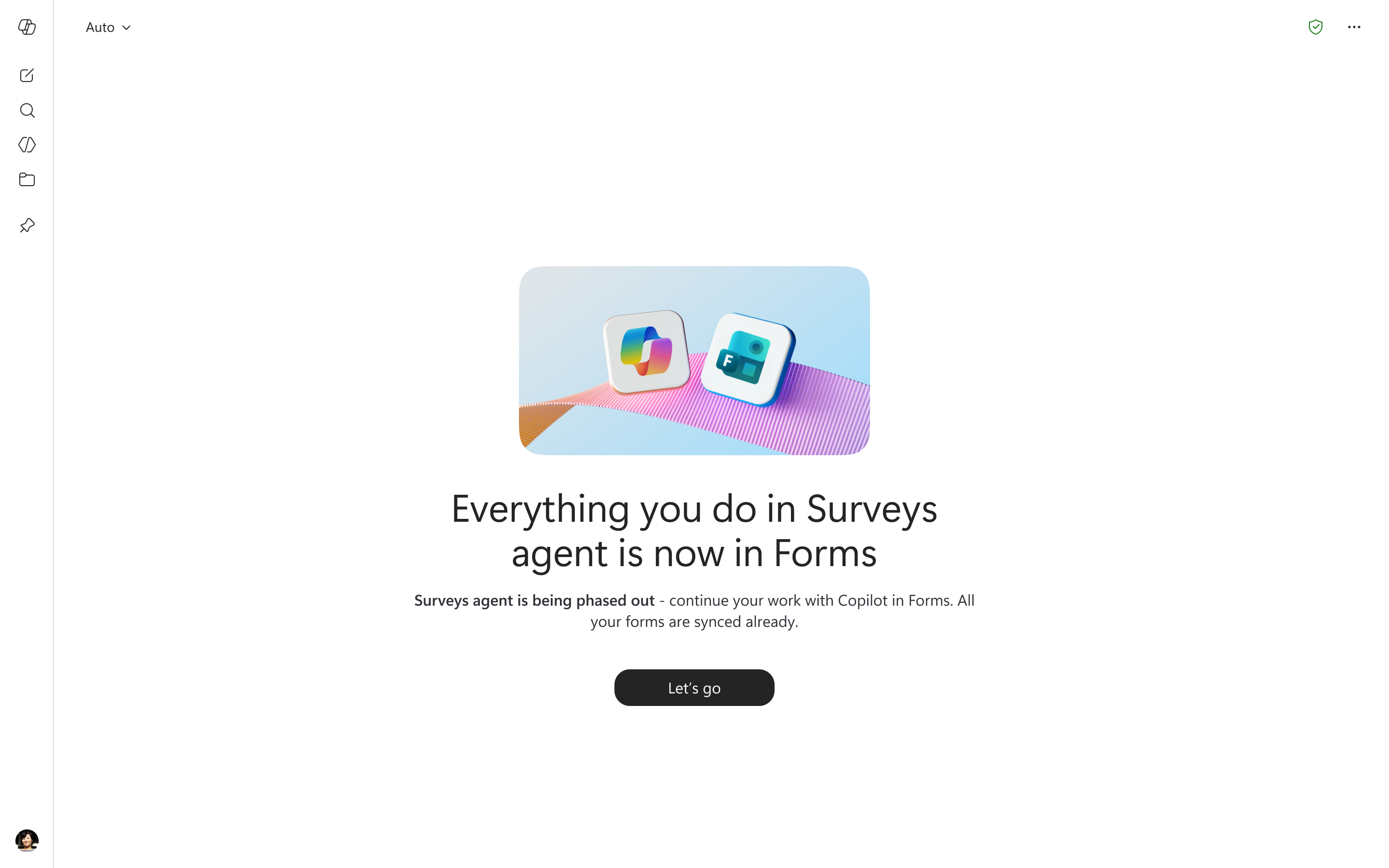
- Copilot capabilities for surveys will continue within Microsoft Forms via the dynamic action button.
- Existing forms created through Surveys agent will remain accessible in Microsoft Forms.
- Users will retain access to their past Surveys agent conversation history in Microsoft 365 Copilot.
Screenshot - Survey Agent chat screen for existing users
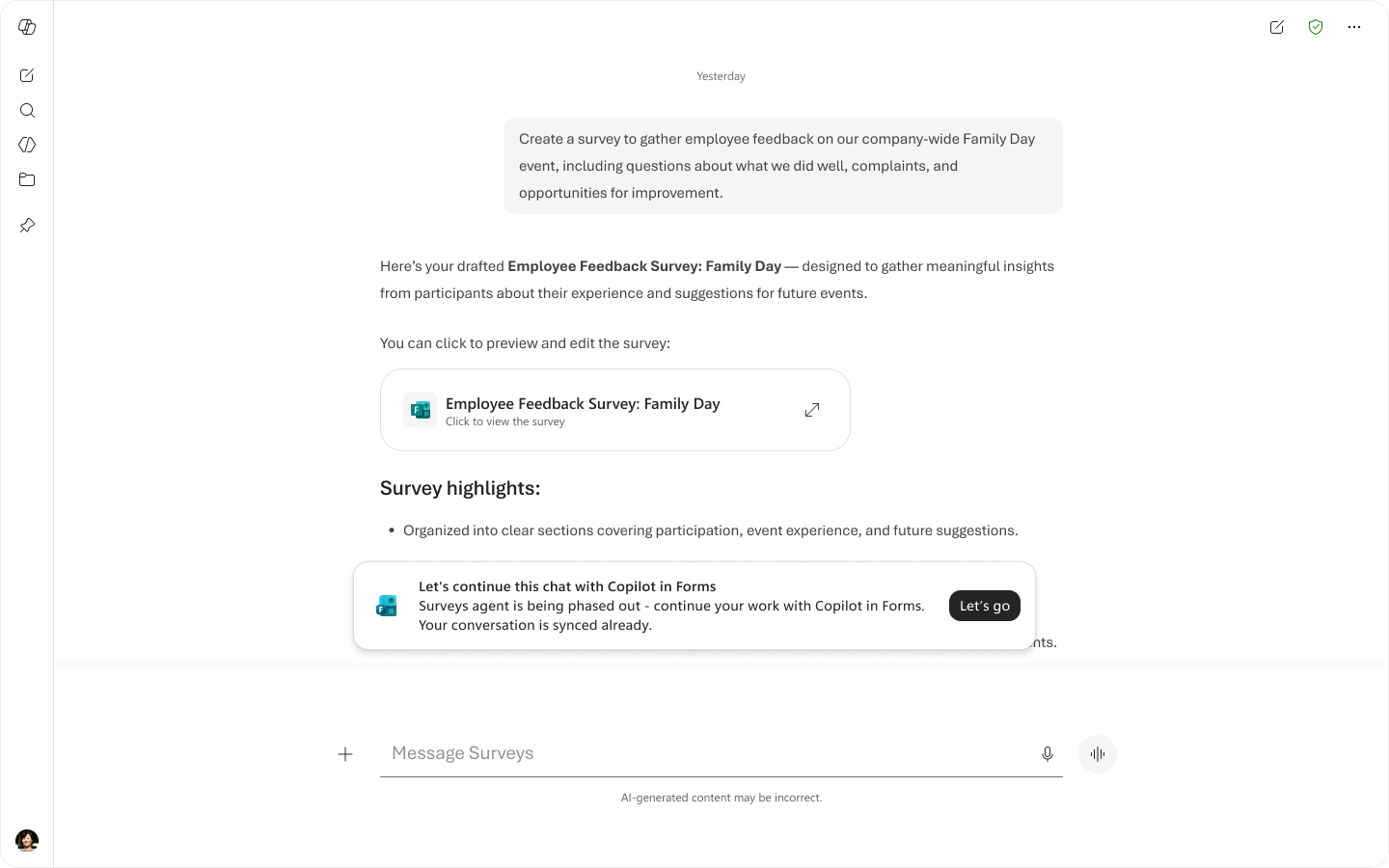
- No changes to licensing or permissions are required.
- The new experience is enabled by default; no admin configuration is needed.
[Action Required/Recommendations:]
- No action is required.
- Inform users about the transition to avoid confusion when redirects occur.
- Update internal documentation referencing the Surveys agent.
- Prepare helpdesk teams for potential user questions during the transition period.
Learn more:
- Evolving the Copilot experience in Microsoft Forms
- Message Center post MC1229954
[Compliance considerations:]
No compliance considerations identified, review as appropriate for your organization.