

[What and why:]
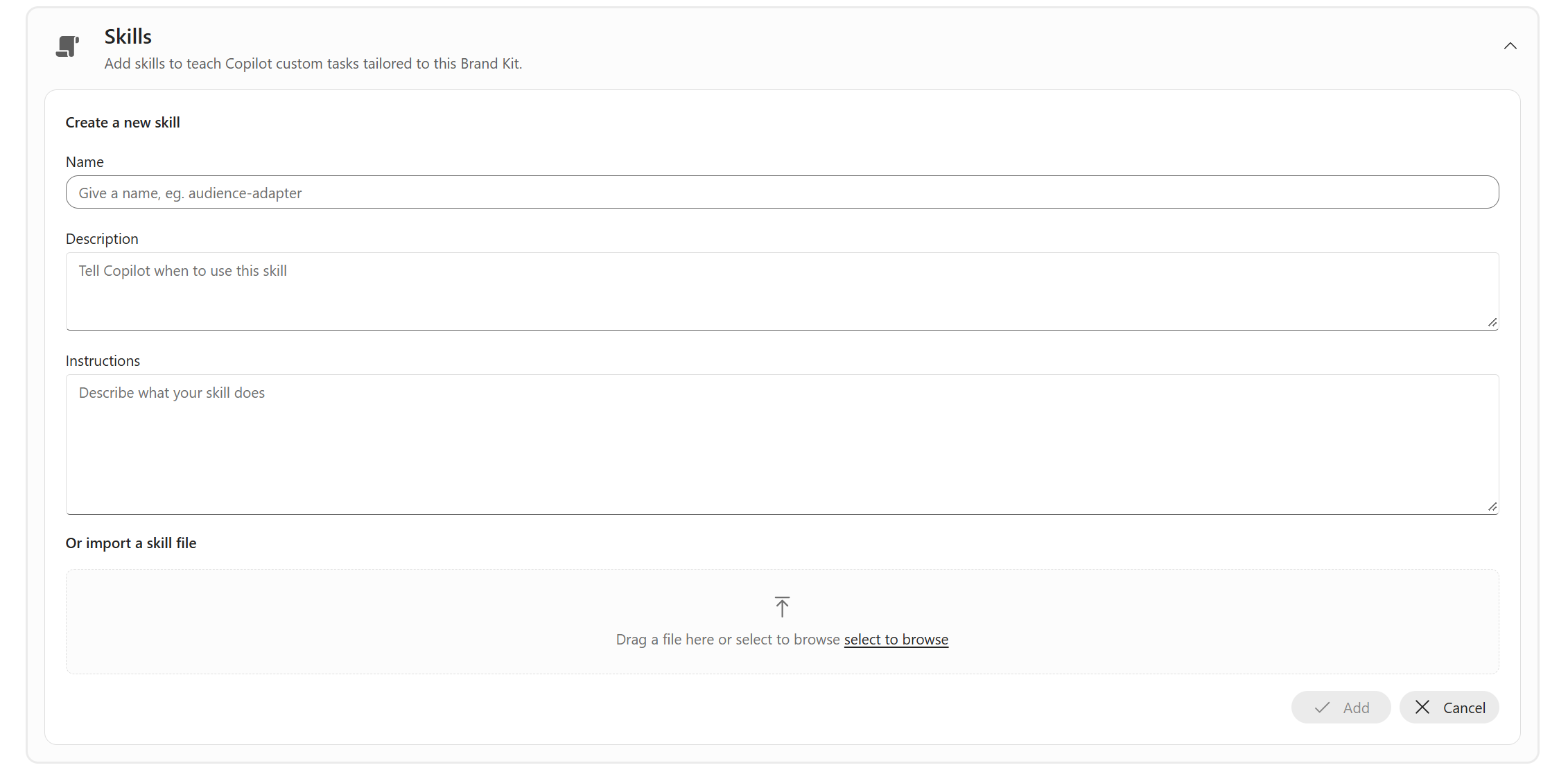
Brand managers will be able to upload custom presentation skills as Markdown (.md) files to Brand Kit and share them across their organization for use with Copilot in PowerPoint. This capability helps organizations provide reusable, organization-approved instructions that guide presentation creation, supporting more consistent and efficient content development.
This change advances personal and team productivity by embedding reusable presentation guidance into the tools employees use to create presentations.
[Rollout schedule:]
Frontier: We will begin rolling out mid-September 2026 and expect to complete by late September 2026.
General Availability, Worldwide: We will begin rolling out in late September 2026 and expect to complete the rollout by the end of September 2026.
[Impact on your organization:]
Who is affected:
- Brand managers who create, manage, and publish organizational Brand Kits.
- Users in organizations where a Brand Kit containing a custom presentation skill has been published and who have access to Copilot in PowerPoint.
- The product team should confirm applicable licensing and whether additional eligibility requirements apply.
Platforms and services:
- Microsoft 365 Brand Kit
- Microsoft Copilot
- Microsoft PowerPoint - Web
What will happen:
- Brand managers will be able to upload a custom presentation skill as a Markdown (.md) or .zip file to Brand Kit.
- Brand managers will be able to publish the skill for use by people in their organization.
- Eligible users will be able to use the published skill with Copilot in PowerPoint.
- The skill can provide reusable instructions to guide how Copilot creates presentations.
- The feature requires a Brand manager to upload and publish a skill. It is not automatically activated merely because the capability becomes available.
[Action required and recommendations:]
- Review who is assigned as a Brand manager through the Enterprise Brand Manager policy.
- Identify the people responsible for writing, reviewing, approving, and maintaining presentation skills.
- Establish governance for security, privacy, accessibility, legal, and brand review.
- Test skills with representative presentation scenarios before publishing them broadly.
- Communicate the availability of published skills to users of Copilot in PowerPoint.
- Update internal Brand Kit and Copilot documentation.
- Review published skills periodically and remove or replace outdated instructions.
- Review Microsoft documentation: Brand Skill support for Copilot in PowerPoint.
[Compliance considerations:]
- This change provides eligible users with a new way to interact with generative AI by using organization-published instructions with Copilot in PowerPoint.
- This change introduces organization-published instructions that can guide Copilot when users create presentations.
- Brand Kit publishing is governed through the Enterprise Brand Manager policy and a mail-enabled security group. Confirm that presentation skills use the same controls without additional configuration.
- Confirm storage, retention, audit logging, Purview behavior, user-level disablement, third-party integration, and GDPR data-subject-request implications before publication.