

Updated November 3, 2026: We have updated the timeline. Thank you for your patience.
[What and Why]
Microsoft Teams is introducing personal message reminders for chat and channel messages to help users track follow-ups and stay organized. Users can turn messages into actionable reminders, improving productivity and ensuring important conversations are not missed.
[Rollout Schedule]
- Targeted Release: Beginning mid-November 2026 (previously early November) and expected to complete in mid-November 2026 (previously early October)
- General Availability (Worldwide, GCC, GCC High, and DoD): Beginning mid-November 2026 (previously October) and completing in December 2026 (previously October)
[Impact on Your Organization]
Who is affected
- All Microsoft Teams users in your organization
Platforms/Services
- Microsoft Teams
- Desktop (Windows, Mac)
- Mobile (iOS, Android)
What will happen
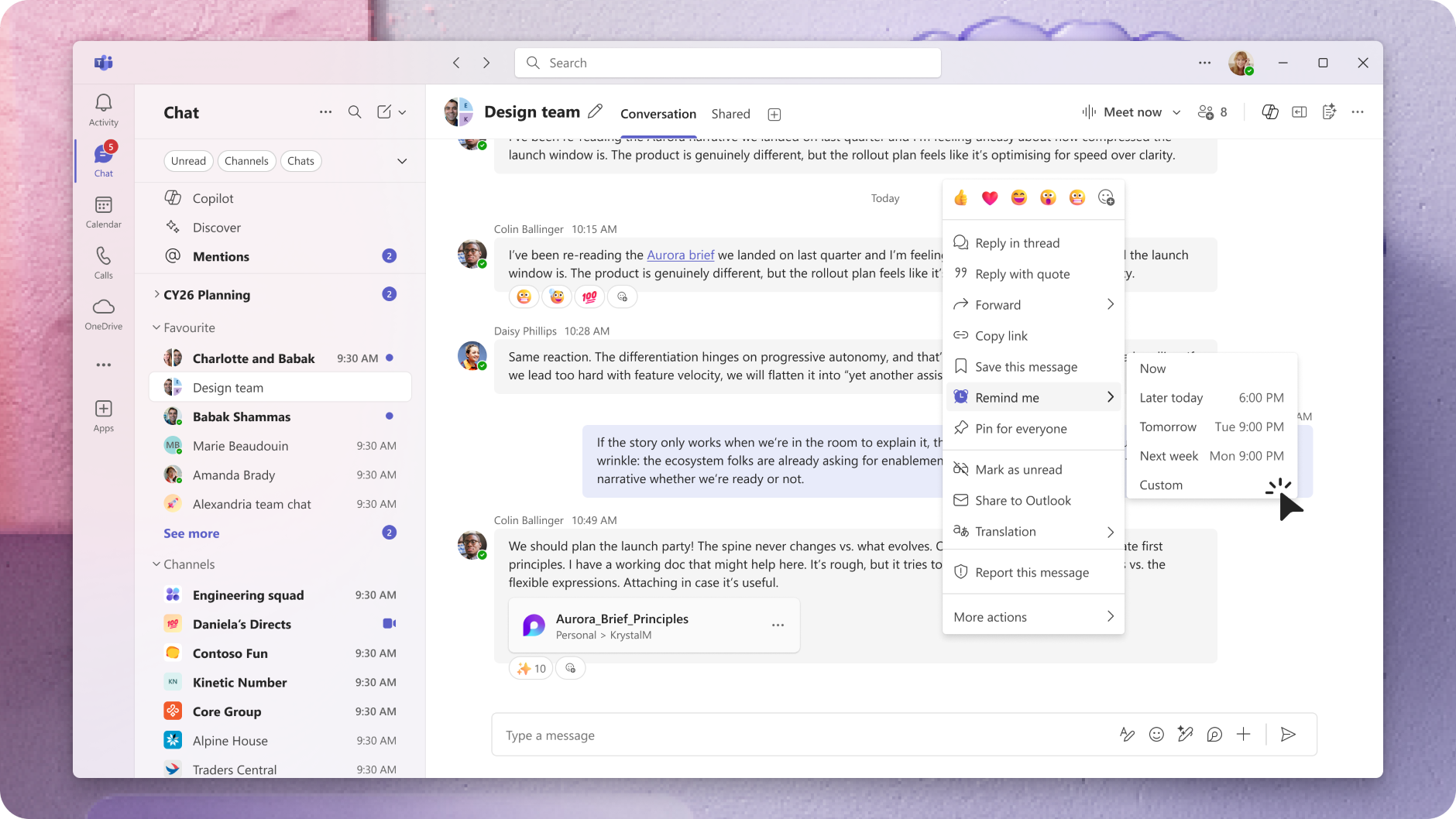
- Users will be able to set reminders on chat and channel messages.
- Users can create, update, complete, and delete reminders.
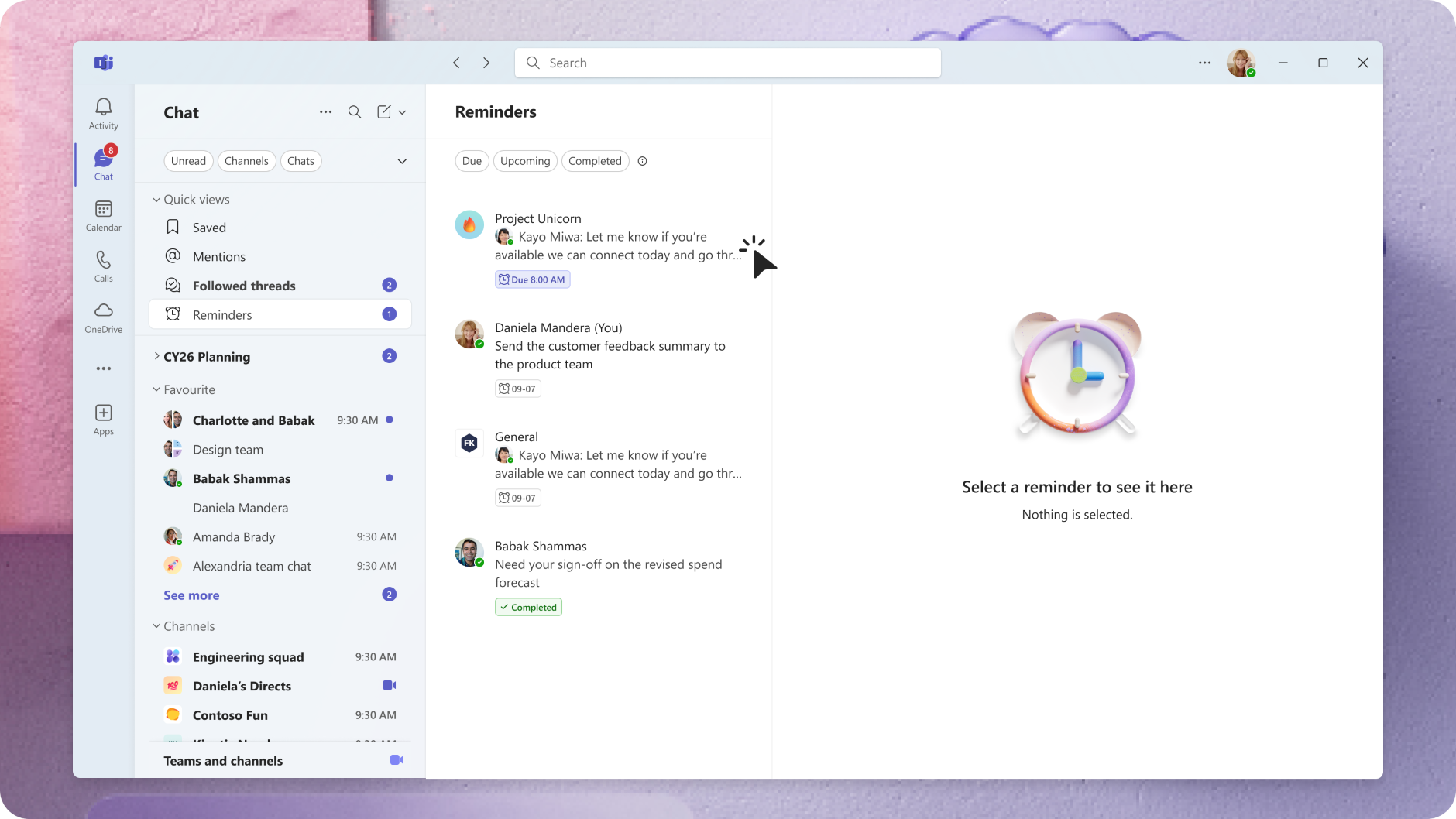
- Reminders will appear in a dedicated Reminders view with upcoming, active, and completed items.
- Users will receive toast notifications when reminders are due, along with badge counts on the Teams chat icon.
- Reminders are private to each user and include message context for quick follow-up.
- The feature will be enabled by default and will respect existing Teams notification settings.
- No admin controls or configuration are required.
Message Reminder menu item:
Message Reminder slice:
[Action Required/Recommendations]
No action is required.
You may consider the following:
- Inform users about this new capability.
- Update internal training materials or documentation.
[Compliance considerations]
| Question | Answer |
| Does the change store new customer data? | Yes. User-created reminders are stored to support the feature and associated with message context. |
| Does the change alter how existing customer data is processed, stored, or accessed? | Yes. Messages can now be associated with user-defined reminders, providing another way to access message content. |
| Does the change allow a user to enable and disable the feature themselves? | Yes. Users can create, manage, and delete their own reminders. |